
Run Outbound Across Every Channel From One Platform
Tantra runs two campaign types. Sequences coordinate Gmail, LinkedIn and WhatsApp steps in one ordered flow and stop for a contact when a reply is detected. Calendar campaigns send Google Calendar invitations and report every RSVP.
Built for B2B sales, marketing and RevOps teams that run outbound from their own mailboxes and social accounts.
Priced per company, with no per-seat or per-mailbox charges.

Trusted by operators behind 250+ brands









Every Channel, Coordinated in One Workspace
Connect your mailboxes, social accounts, AI provider and webinar tools once. Campaigns, replies and results then run through a single system.
Personalize email and Calendar content with your own account or API key.
 ChatGPT
 Claude
 OpenRouter
 Cerebras
 Novita AI
Prospects in New
- WebhooksForms, CRM, Clay
- REST APIFrom your own code
- AI assistantsClaude Code, ChatGPT via MCP
01 Outreach channels
 GmailEmail sequences
 Google CalendarInvitations & RSVPs
 LinkedInSocial outreach
 WhatsAppConversations
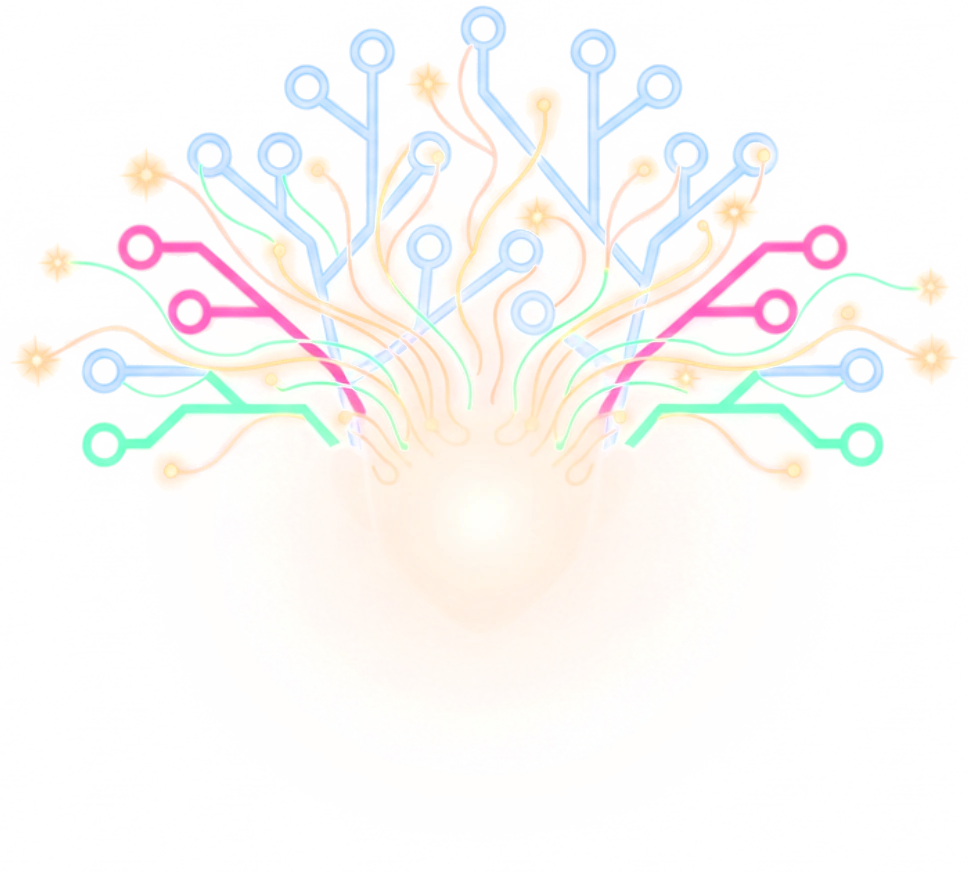 TantraTantra connects your outreach channels, AI providers, and tools. Prospects arrive by webhook, REST API or AI assistant and enter campaigns automatically.
02 Connected systems
Webinar attribution
 Zoom Webinars
 WebinarGeek
Workflow automation
 n8n
n8n Zapier
 Make
MakeResults out
LinkedIn and WhatsApp accounts are included in every plan. Calendar campaigns run separately from sequences.
Omnichannel Sequences
Order Gmail, LinkedIn and WhatsApp steps in one sequence, each sent from its own connected account within that account's limits. A sequence can include email or run on social channels alone.
 Email · Send emailSends immediately
Hi {{firstName}}, saw {{company}} is scaling field operations this year. Teams like yours cut onboarding time 40% by moving hands-on training into VR. Worth a 20-min look? Thanks, {{senderFirstName}}
LinkedIn · Visit profileWaits 1 dayProfile visit: no message content.
LinkedIn · Connection requestWaits 1 dayHi {{firstName}}, sent you a note about VR training at {{company}}. Would love to connect.
Email · Send emailWaits 3 daysQuick bump, {{firstName}}: happy to share the 3-min demo loop our aerospace customers use for onboarding. Useful?
Email · Send emailWaits 4 daysClosing the loop, {{firstName}}. If training capacity comes up for {{company}} next quarter, this is the fastest path to a pilot. Door stays open.
GmailLinkedInWhatsAppProspects In, Campaigns Running
Add prospects to an omnichannel campaign by webhook, REST API or your AI assistant. Each one enters step one automatically, with no CSV upload and no manual start.
Form fills, CRM, Clay, Zapier, n8n, Make
From your own code, with an API key
“
Step 1 · EmailEmailStep 2 · LinkedInLinkedInStep 3 · WhatsAppWhatsAppOne Inbox for Every Reply
Email and social replies arrive in a single queue with their campaign attached and intent classified. When a reply is detected, the sequence stops for that contact.
Hi Olivia, saw Helios is scaling production this year. Teams like yours cut onboarding time 40% by moving hands-on training into VR. Worth a 20-min look? Thanks, Katarina
Katarina, yes, let us talk. Our plant director has been pushing for exactly this since the Hanover fair. Send a calendar invite for next week? Copying our L&D lead. Olivia

Calendar Campaigns
A separate campaign type that sends Google Calendar invitations from your own Workspace senders. Yes, No and Maybe responses are reported as pipeline signals. Included on every plan.

Webinar Attribution
Link a Zoom or WebinarGeek session to a campaign, and Tantra matches invitees to registrations, attendance and watch time where the provider returns them. Refresh the data whenever you need it.
Built on the Accounts You Already Own
Tantra sends from your own mailboxes and social accounts, never from a shared pool, and connects to your webinar platform and AI provider.
LinkedInVisit profiles, send connection requests and message prospects from your own LinkedIn account.
WhatsAppMessage any phone number from your own WhatsApp account, with a warmup ramp for new numbers.
 Google Calendar
Send calendar invitations from Google service accounts you upload and manage with tags.
WebinarGeekConnect your WebinarGeek account to sync webinar registrations and attendance.
Zoom WebinarsSync Zoom webinars, registrants and attendance, and register contacts who RSVP.
GmailSend email sequences from Gmail and Google Workspace mailboxes your team connects.
What You Need to Launch Your First Campaign
Pick the campaign you want to run first and see exactly what it needs, who sets it up, and how. Most of it is a one-time step.
Choose your first campaign
Email, LinkedIn and WhatsApp in one sequence, stopped for a contact when a reply is detected.
You'll need three things
- 1
Google Workspace, authorized once
Your Google adminYour admin grants Tantra access in the Google Admin console one time. After that, you verify each mailbox you send from.
Setup guide - 2
Your LinkedIn and WhatsApp accounts
YouSign in to LinkedIn, or scan a QR code with your existing WhatsApp number. Pro includes up to 2 LinkedIn or WhatsApp accounts. For LinkedIn, Sales Navigator gives the most room.
Account guide - 3
Your contact list
YouA CSV with emails, plus LinkedIn URLs or phone numbers. Upload up to 50,000 contacts at a time and map the columns in one screen.
Import guide
Add when you're ready
Not needed to launch. Each one improves results.
AI personalization
YouSign in with ChatGPT or Claude, no API key needed, or add an OpenRouter, Cerebras or Novita key. Your template is used when AI is off.
How AI worksEmail authentication on your domain
Your DNS adminSPF, DKIM and DMARC records on your sending domain. A daily check reports on all three.
DNS guideA second mailbox for warmup
YouWarmup runs between your own mailboxes, so two or more let new senders build reputation first.
Warmup detailsYour own tracking domain
Your DNS adminOne DNS record so click and unsubscribe links resolve on your domain.
Setup guide
- 7-day free trial
- Unlimited email and calendar accounts
- No per-seat pricing
From Connected Accounts to Booked Meetings
Six steps from setup to reporting. Choose the campaign type first, and Tantra guides the accounts, audience, senders, timing and follow-up that path requires.
Connect
Connect the mailboxes, social accounts and providers your campaign uses.
Choose
Choose a Calendar campaign or an omnichannel sequence, including a social-only sequence.
Build
Add contacts by CSV, webhook, API or your AI assistant, order the steps, assign senders and add AI personalization where it improves the message.
Launch
Confirm sender readiness, sending windows, account limits and stop conditions before launch.
Respond
Handle replies in one inbox, with intent classified and the sequence stopped for that contact once the reply is detected.
Measure
Report on RSVPs, replies and webinar attribution, and send events to your own systems by webhook.
- Brands grown
- 0+
- Years building revenue engines
- 0+
- Countries
- 0+
- Industries
- 0+
Published Pricing, per Company
One price per company, with unlimited email and calendar accounts, seats, contacts and campaigns on every plan. Pro starts with a free trial.